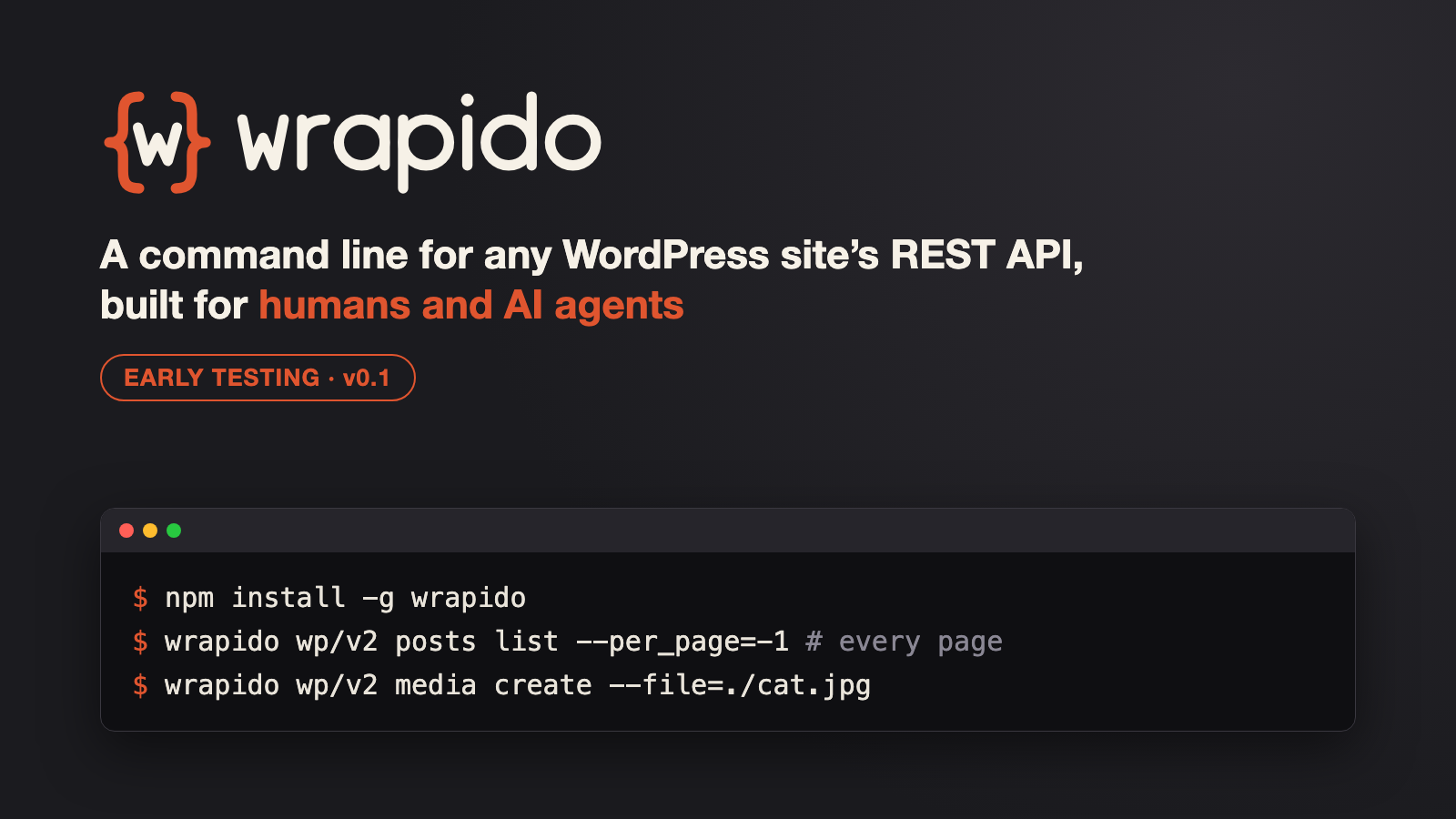
⚠️ Early days: wrapido is at version 0.1.x and still in early testing. Expect rough edges and changes between releases. Please try it on a staging or local site first, and open an issue when something breaks.
I’ve been working on a new open source tool called wrapido, short for WordPress REST API Doer. It’s a command line tool that talks to any WordPress site through its REST API over plain HTTP. You don’t need PHP, SSH access, or a local copy of WordPress. Give it a URL and it finds the REST API, reads the routes it offers, and lets you list, get, create, update and delete content, with output as a table, JSON, CSV or YAML.
In this short intro video I explain what wrapido is and how it works:
Install
wrapido is published on npm and needs Node.js 20 or later:
npm install -g wrapido
wrapido version
Or run it without installing: npx wrapido --help.
How it works
wrapido --url=https://example.com                       # discover namespaces
wrapido wp/v2 --url=https://example.com                 # list routes
wrapido wp/v2 posts --url=https://example.com           # introspect a route (OPTIONS)
wrapido wp/v2 posts list --per_page=5 --fields=id,title.rendered --url=https://example.comCode language: PHP (php)
None of the commands are hard-coded. They come from the site’s live REST API, so plugin namespaces (WooCommerce, Yoast, your own custom routes) work the same way core wp/v2 does.
Inspired by wp-cli/restful
The idea isn’t new. In 2016 the WP-CLI team explored wp-cli/restful (see the “RESTful WP-CLI” update), which turned REST API endpoints into WP-CLI commands. wrapido is an independent reimplementation of that idea: a standalone Node/TypeScript CLI that always talks to a real site over HTTP, instead of running inside WordPress/PHP.
Not a replacement for WP-CLI
wrapido isn’t designed to replace WP-CLI. WP-CLI runs inside WordPress, with full access to the database, filesystem, plugins and cron. It’s still the right tool when you have shell access. wrapido is for the cases where you don’t: managed hosts with no SSH, a client’s site, a remote staging site, CI pipelines, or an AI agent working on your behalf. It can only do what the REST API exposes, and that’s the point.
Highlights
Designed to pair with AI agents
wrapido is built to be used by AI coding agents as well as people. Inside Claude Code, OpenAI Codex, GitHub Copilot, Cline or Cursor it detects the agent automatically and switches to agent mode: compact JSON output by default with _links/_embedded stripped, no colour or spinners, structured JSON errors with hints, and warnings for mistyped arguments. Interactive use doesn’t change at all.
It also ships a wrapido skill that teaches the agent the workflow: discover the site’s routes first, then act, plus the safety rules and gotchas. For example, to use it as a Claude Code skill:
npm install -g wrapido
claude plugin marketplace add spacedmonkey/wrapido
claude plugin install wrapido@wrapido
Then just ask, for example “list the last five drafts on example.com” or “upload these screenshots and set the first one as the featured image of post 42”, and Claude will run wrapido for you. The same skill is packaged as a plugin for GitHub Copilot, OpenAI Codex, Gemini CLI and Cursor. See the AI agents docs for each tool.
Authenticated requests: Application Passwords and OAuth2
- Application Passwords (core since WordPress 5.6).
wrapido auth application-passwords login https://example.comopens the browser approval screen and stores the result, so there’s nothing to copy and paste.addstores one you already have, andremoverevokes it on the site too. - OAuth2 through the WP-API/OAuth2 plugin: the browser
authorization_codeflow,client_credentialsfor headless use, or a personal access token. - Credentials are stored per site, encrypted at rest, and used automatically.
--use-auth=lets you pick one, and theWP_USERNAME/WP_PASSWORDenv vars work for CI.
Fetch everything with –per_page=-1
The REST API rejects -1, so wrapido handles it the way Gutenberg’s api-fetch does: it requests the route’s maximum page size, fetches pages 5 at a time when X-WP-TotalPages is sent (or follows Link: rel="next" when it isn’t), shows a progress bar, and joins the results.
wrapido wp/v2 posts list --per_page=-1 --format=ids --url=https://example.comCode language: PHP (php)Uploading files
The flag is the endpoint’s own parameter name (--file for core media). It takes a local path or an http(s):// URL. URLs are downloaded first, and your credentials are never sent to the source host. Files are streamed rather than loaded into memory.
wrapido wp/v2 media create --file=./cat.jpg --alt_text="A cat" --url=https://example.comCode language: JavaScript (javascript)Batch uploads and batch requests
Repeat --file to upload many files in one command, with errors reported per file. get/update/delete also take several ids and go through WordPress’s /batch/v1 endpoint when the site allows it:
wrapido wp/v2 media create --file=./a.jpg --file=./b.png --format=ids --url=https://example.com
wrapido wp/v2 posts delete 12 34 56 --url=https://example.comCode language: JavaScript (javascript)
And more
Also included: meta subcommands that mirror wp post meta, generate, exists, table/json/csv/yaml/ids/count output, and YAML config files.
Links
- Documentation: spacedmonkey.github.io/wrapido
- npm: npmjs.com/package/wrapido
- GitHub: github.com/spacedmonkey/wrapido
Try it and tell me what breaks
Since it’s still early, feedback is the most useful thing right now. Bug reports, odd plugin routes that don’t behave, and feature ideas are all welcome on GitHub issues. It’s MIT licensed, and contributions are welcome.